


Connect.Grow.Lead.
Discover leading companies, trusted professionals, specialist marketing services and practical business solutions — all in one place.
Browse 270+ Sectors
Explore companies by sector, speciality and service.
Latest News
Clear updates on South African business, technology, markets and opportunity.


Economy1 min read
South Africa records preliminary R20.5 billion trade surplus in August 2026

Marketing1 min read
South Africa’s opt-out registry launches with consumer access planned for May 2027

Economy1 min read
South African manufacturing production falls in August
Economy2 min read
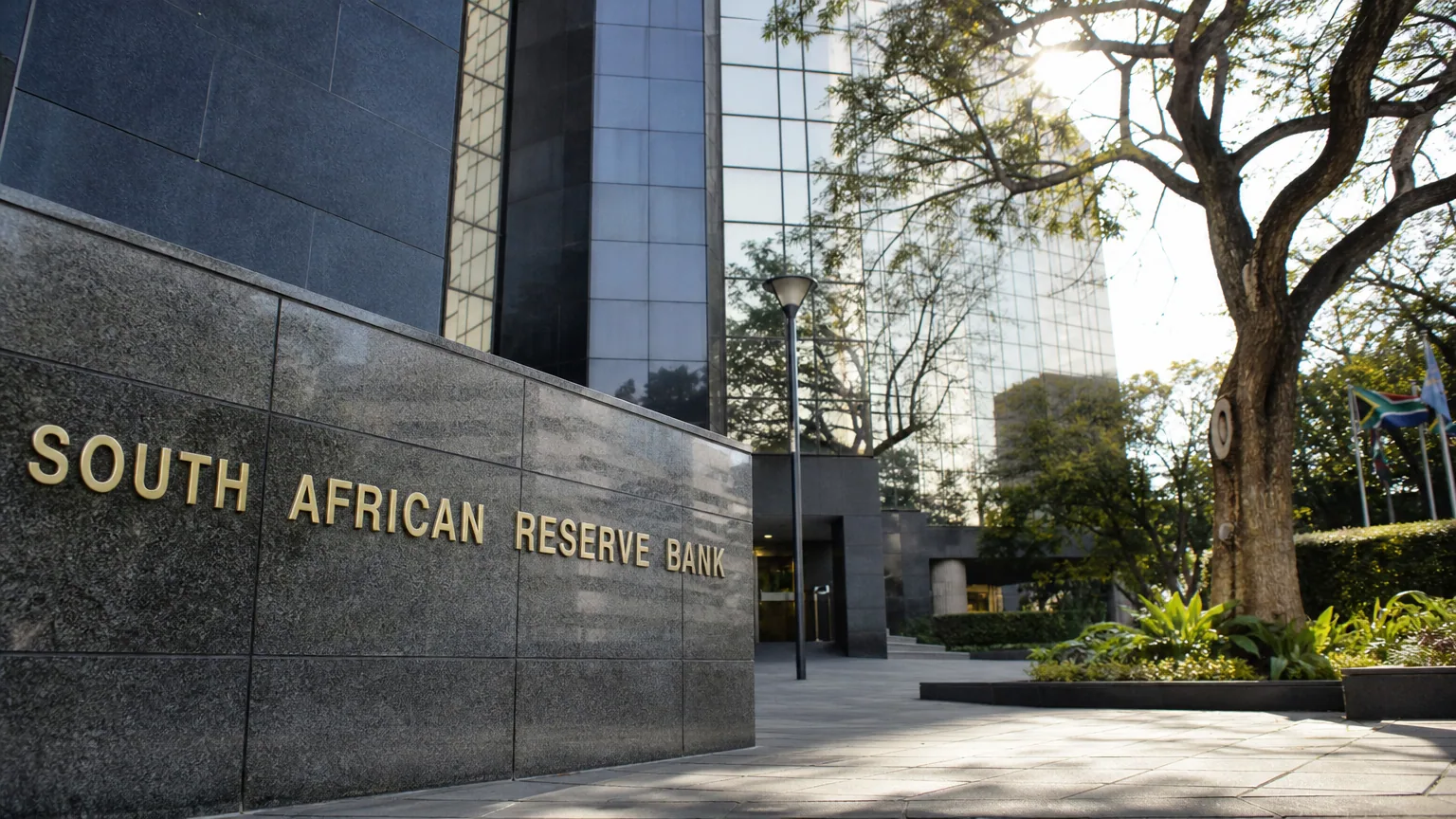
South Africa’s Inflation Outlook and Policy Rate: Five Key Points from the SARB
Subscribe to our Daily Mailer
Get the latest business news and useful updates in your inbox. We’ll ask you to confirm before subscribing.

Marketing Solutions
Choose a marketing service to grow visibility, reach customers and create measurable business opportunity.
Lead Sector: your questions answered
Practical answers about finding businesses, publishing listings, advertising, products and managing your account.
01What can I do on Lead Sector?+
Find South African businesses, professional services, jobs, products and business news. Browse by sector and location, compare profile information, or use Ask AI to describe the service you need and explore relevant results.
02How do I find a business in my province?+
Choose a sector and select a province or area in the directory filters. Open a company profile to review its services and stated coverage. A business may serve an area remotely without maintaining a local office, so confirm arrangements directly.
03How does Ask AI help me search?+
Describe the type of business or service you need, together with a location when it matters. Ask AI uses the platform’s available information to suggest results and follow-up questions. Review the underlying profiles and confirm current availability with the provider.
04Can I post a listing for free?+
Basic business listings, professional profiles and job listings can be submitted without a listing fee. Create an account, complete the required information and submit your listing for review. Optional paid profile features are explained on the Listing Prices page.
05What happens after I submit a listing?+
The team reviews the information and may request corrections or supporting details before publication. Your control panel shows your listings and their status. Submission does not mean a listing has already been approved.
06How do I claim or correct a company profile?+
Open the profile and use the claim or correction option, or contact the team with the profile link and the change needed. Ownership requests and significant changes are reviewed before management access or public information is updated.
07What is the difference between rankings and featured listings?+
Rankings use the platform’s published methodology and can change over time. Featured placements are labelled separately so you can recognise promoted visibility. A featured position is not an independent endorsement of a business or a guarantee of service quality.
08How do banner adverts work?+
Global banners cost R5,000 per month and join the site’s rotating advertising inventory. Dedicated banners cost R7,500 per month for up to five sectors in one province or nationally, subject to availability. Approved dedicated placements do not rotate with other banners in their reserved slots.
09What artwork do I need for a banner?+
Provide a desktop banner at 1200 × 180 pixels and a mobile banner at 720 × 240 pixels, plus the destination link and a short description of the advert. Use the Banner Ad Prices page to apply and discuss your audience, placement and creative files.
10Can I buy products through the shop?+
The shop helps you discover products and compare supplier information. Follow the product’s vendor link to buy on the vendor’s website, or use an available enquiry form. Prices, payment, stock, delivery and returns are agreed with the vendor.
11How can my company list products?+
Apply for vendor access with your company, contact and trading information. The team must approve the vendor before products can publish. Products can be submitted individually, through a feed or API, or through an agreed website import managed by the team.
12What does an approved vendor badge mean?+
It identifies a vendor account approved for participation in the shop. It does not certify every product or guarantee a transaction. Review the product information and the vendor’s trading, delivery and returns terms before buying.
13Where do I manage my listings and enquiries?+
Sign in to open your control panel. From there you can view your content, create listings, review notifications and find pricing and product-management options. Product management requires a separate approved vendor account.
14How do I subscribe to business news?+
Enter your email in a Daily Mailer form and follow the confirmation link sent to you. The form displays whether the request was accepted or needs another attempt. You can unsubscribe using the link in a newsletter.
15How are my account and contact details handled?+
Account controls determine access to private information and management features. Review the Privacy Notice for the information collected and how to request help with it. Never share your password or sign-in codes with a business listed on the platform.
16How do I report a problem or get help?+
Use the Contact page for public enquiries or the support section in your control panel. Include the relevant page link, the action you were trying to take and a description of the problem so the team can investigate.
Still have a question? Talk to our team